📷
Scan Receipts
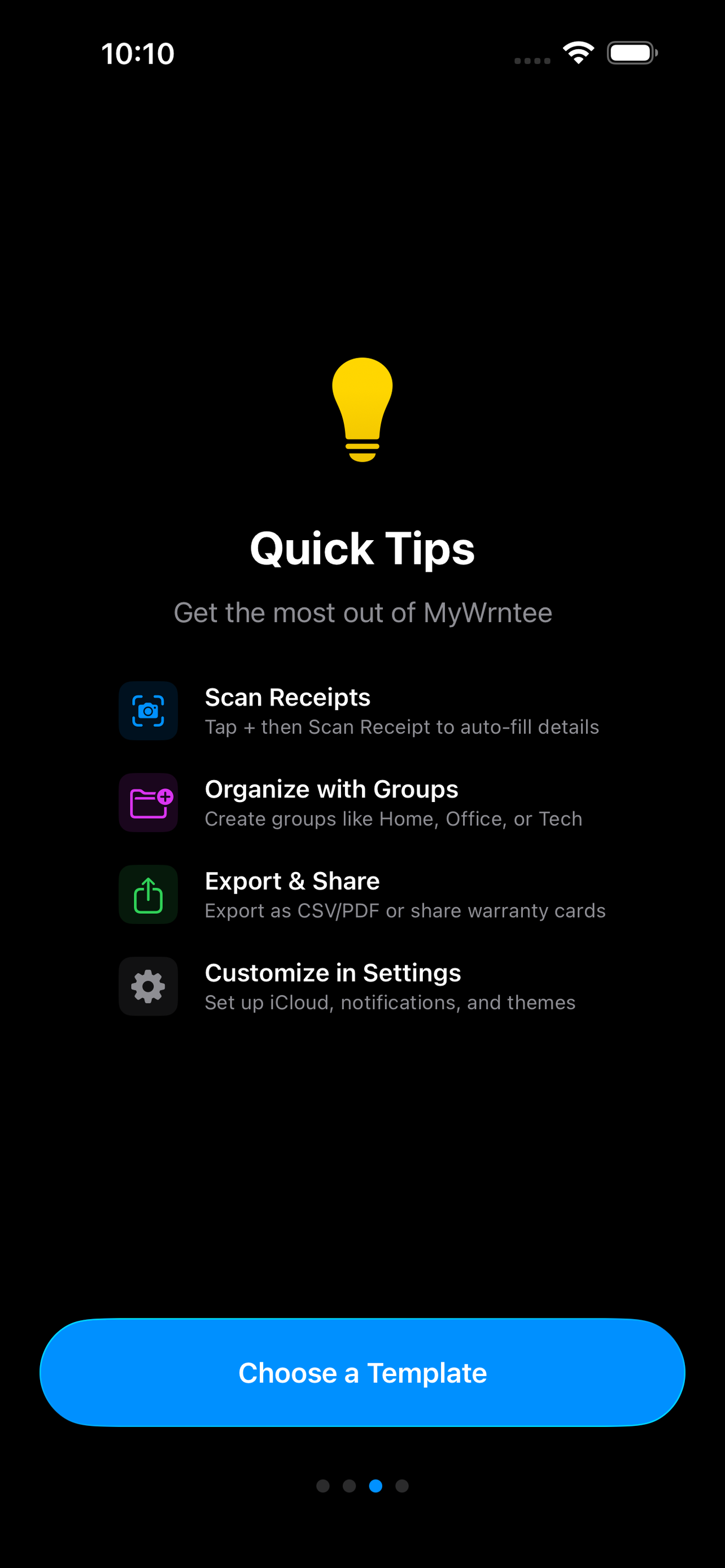
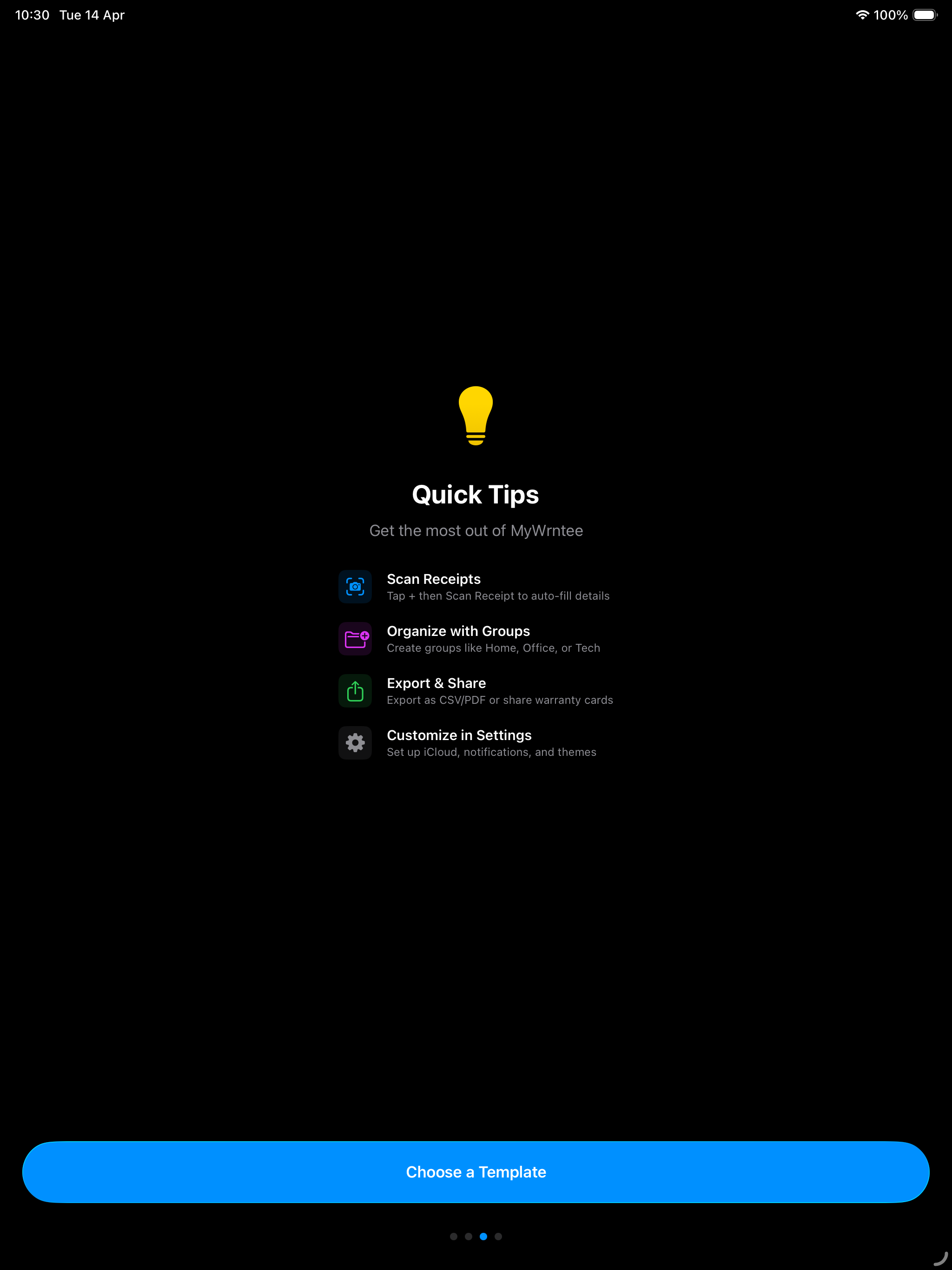
Use your camera or photo library to scan receipts with Live Text recognition. Review extracted text and tap to assign store, date, price, and more.
📄
Import PDF Invoices
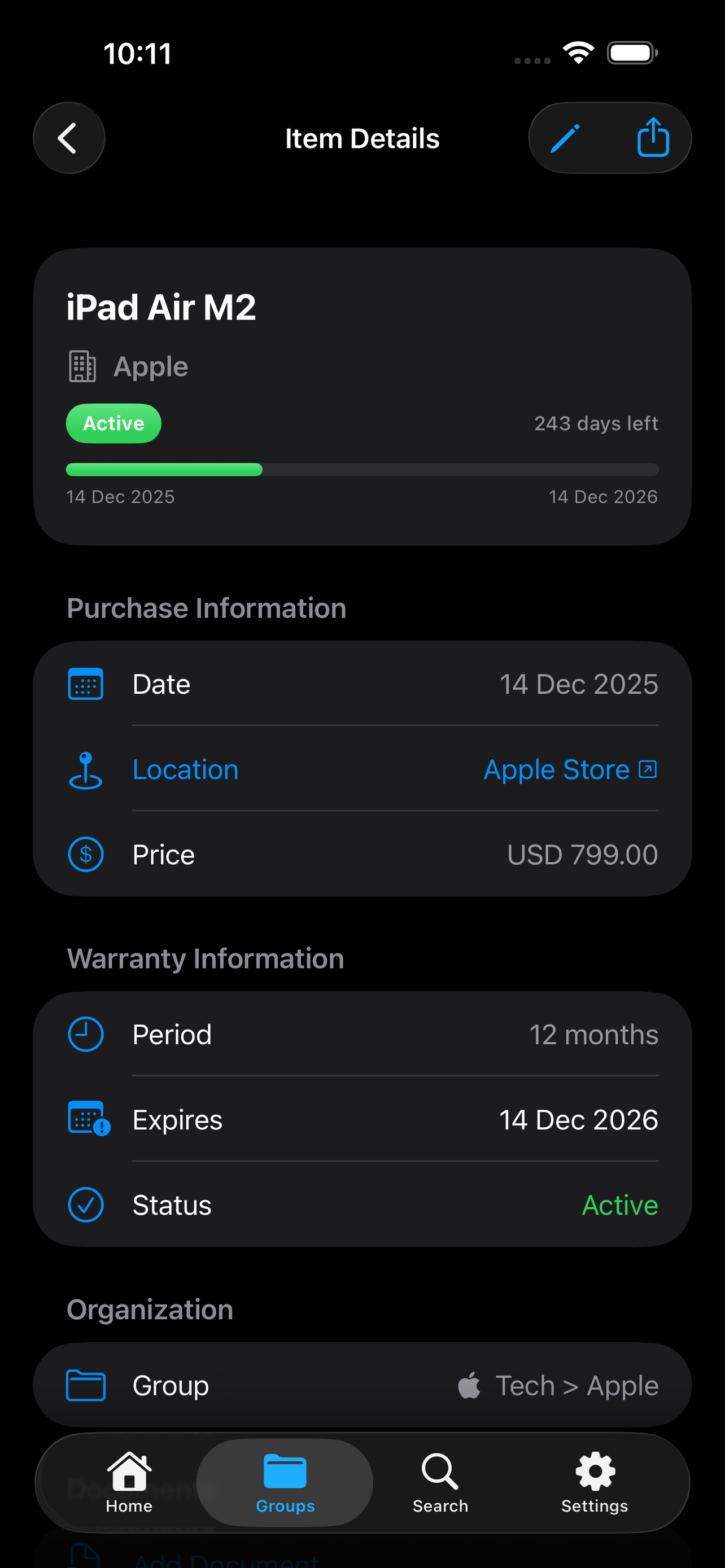
Got a PDF receipt from an online order? Import it directly — MyWrntee extracts the text (with OCR for scanned PDFs), pre-fills your item details, and attaches the original PDF to the warranty.
📁
Organize Your Way
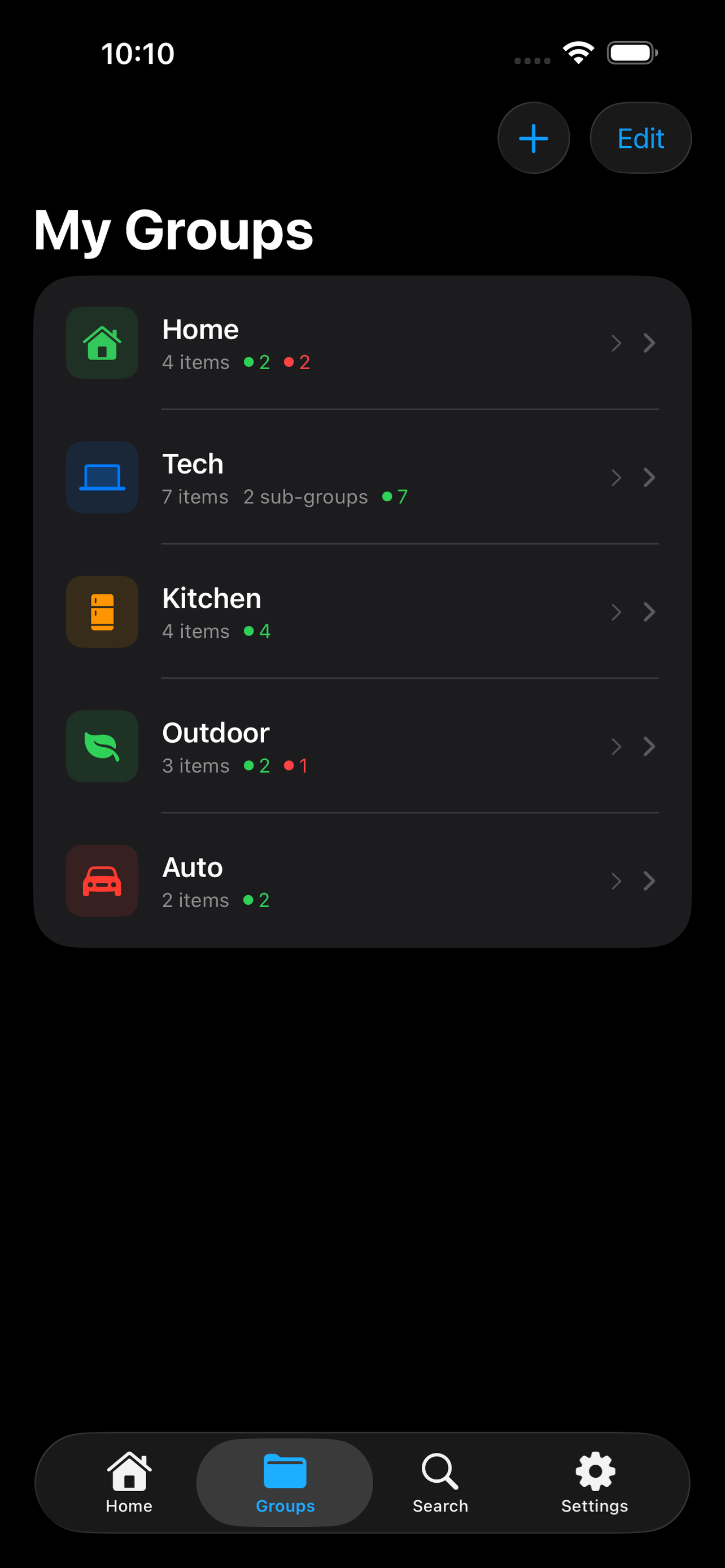
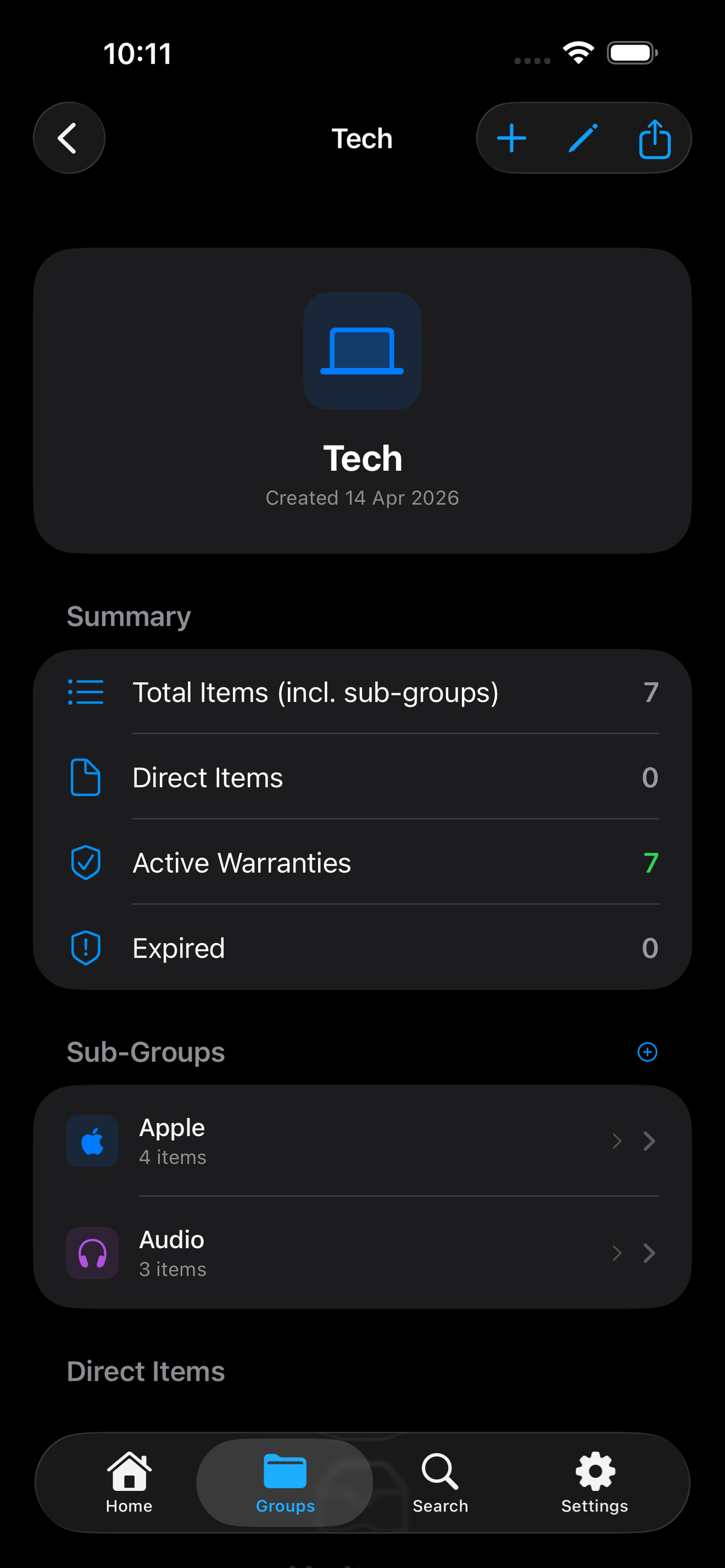
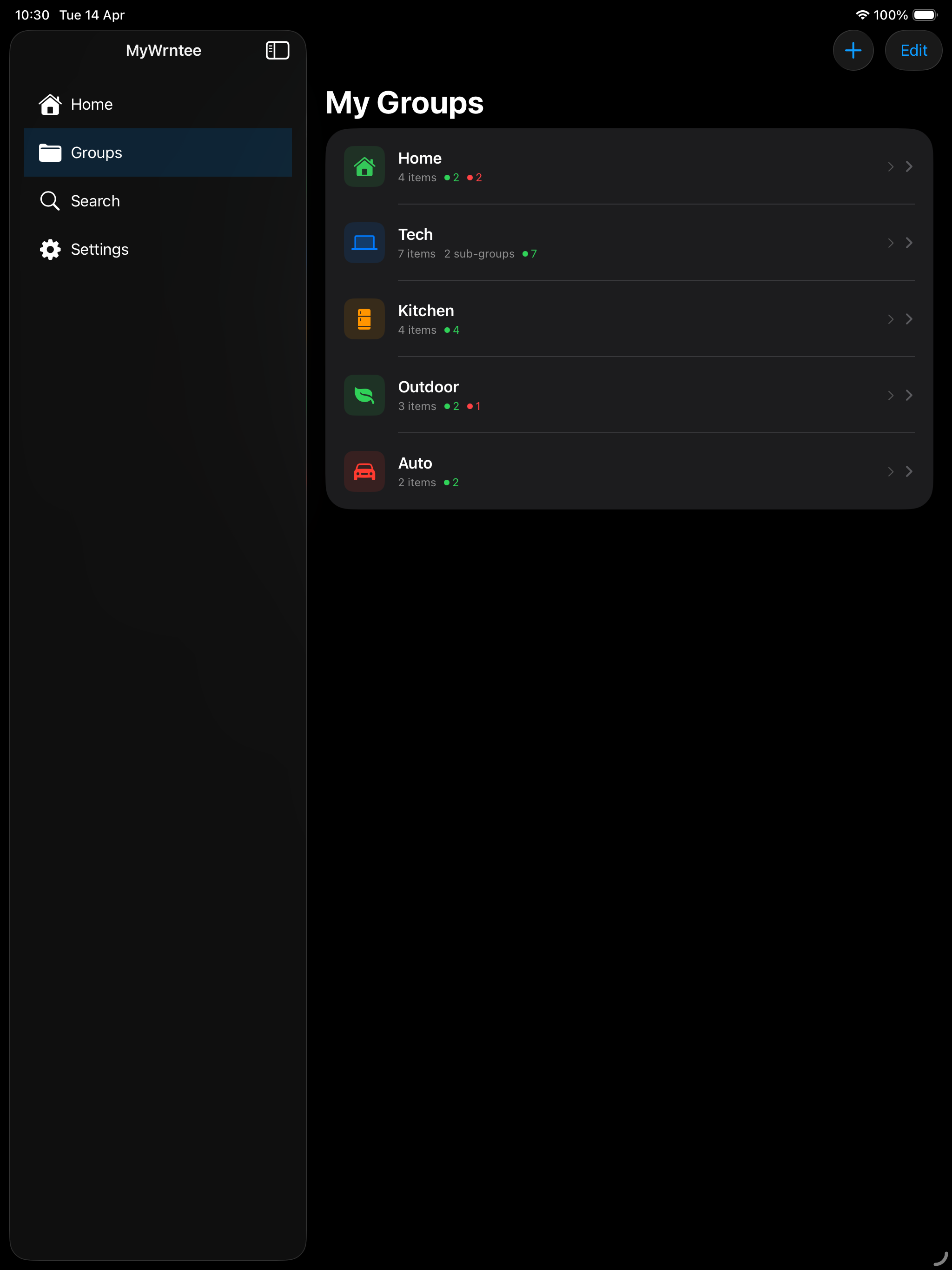
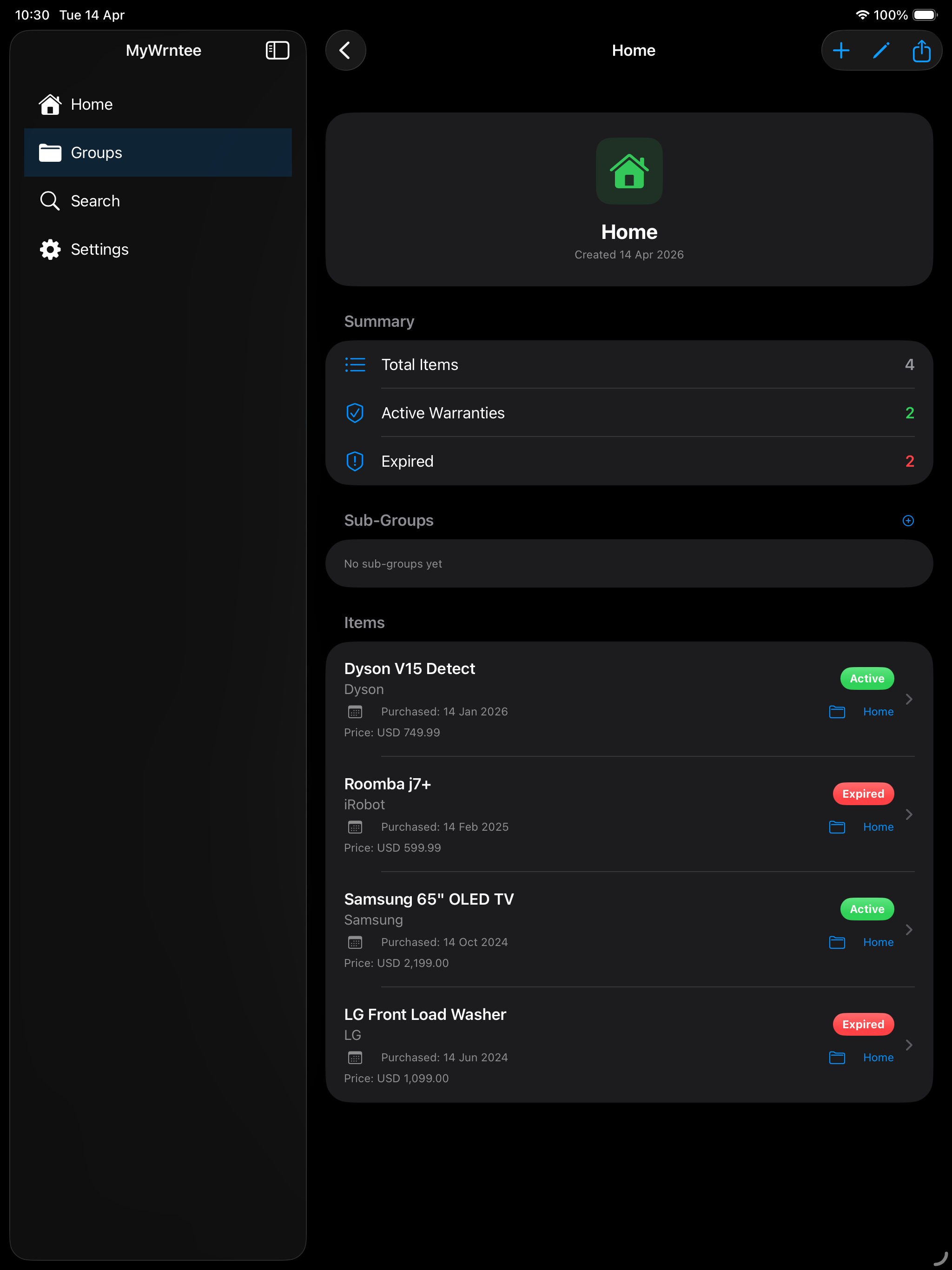
Create custom groups and sub-groups like Home > Kitchen or Office > Laptops. Add custom photos or colorful icons to each group.
⏰
Stay Ahead of Expirations
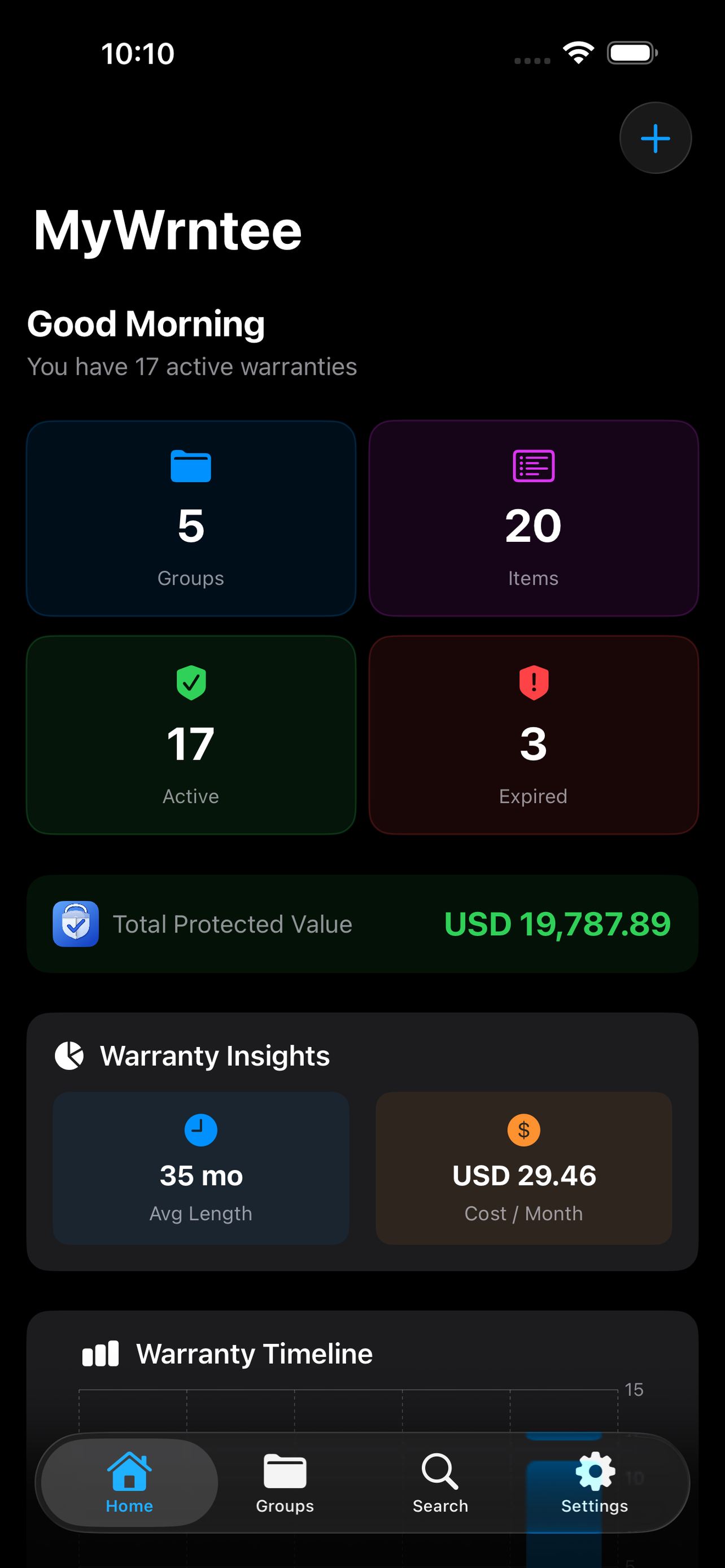
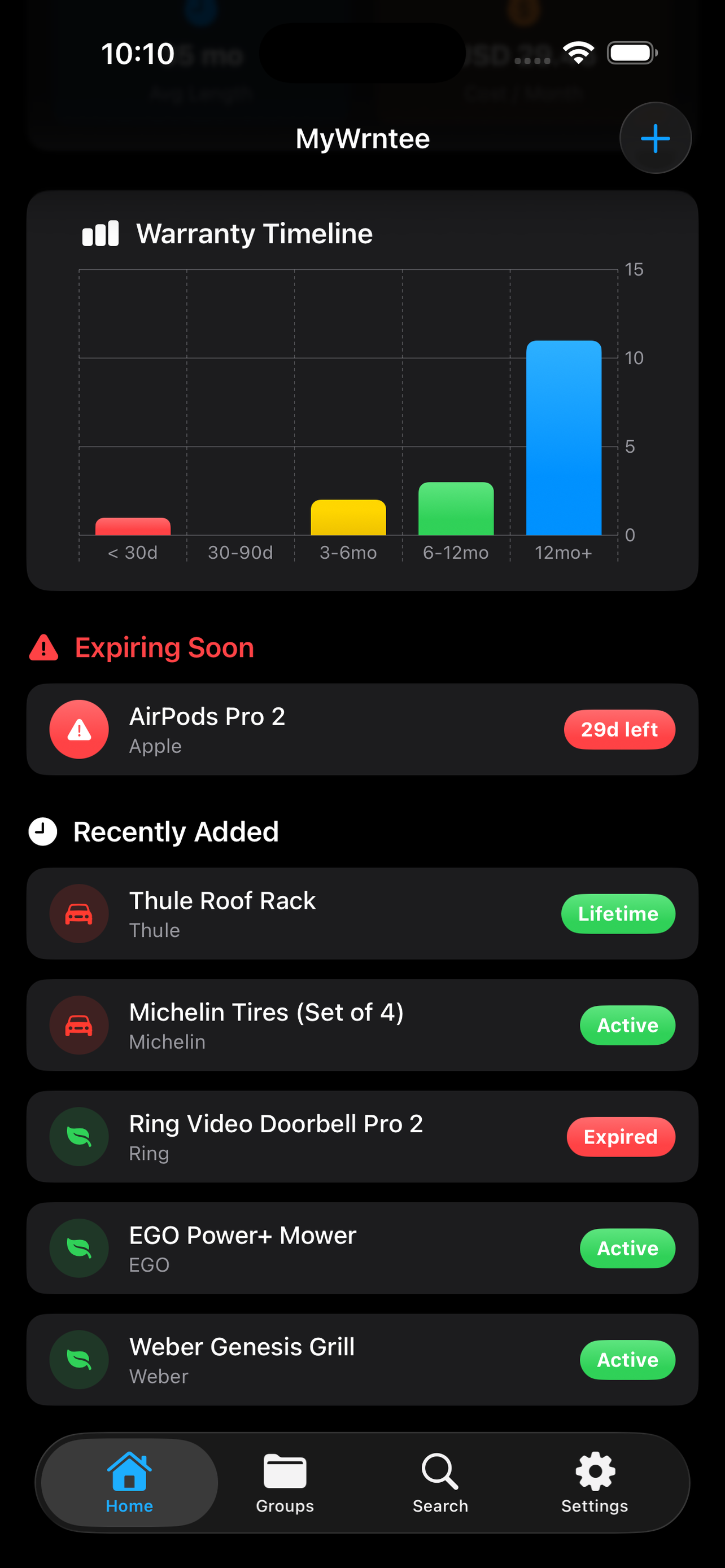
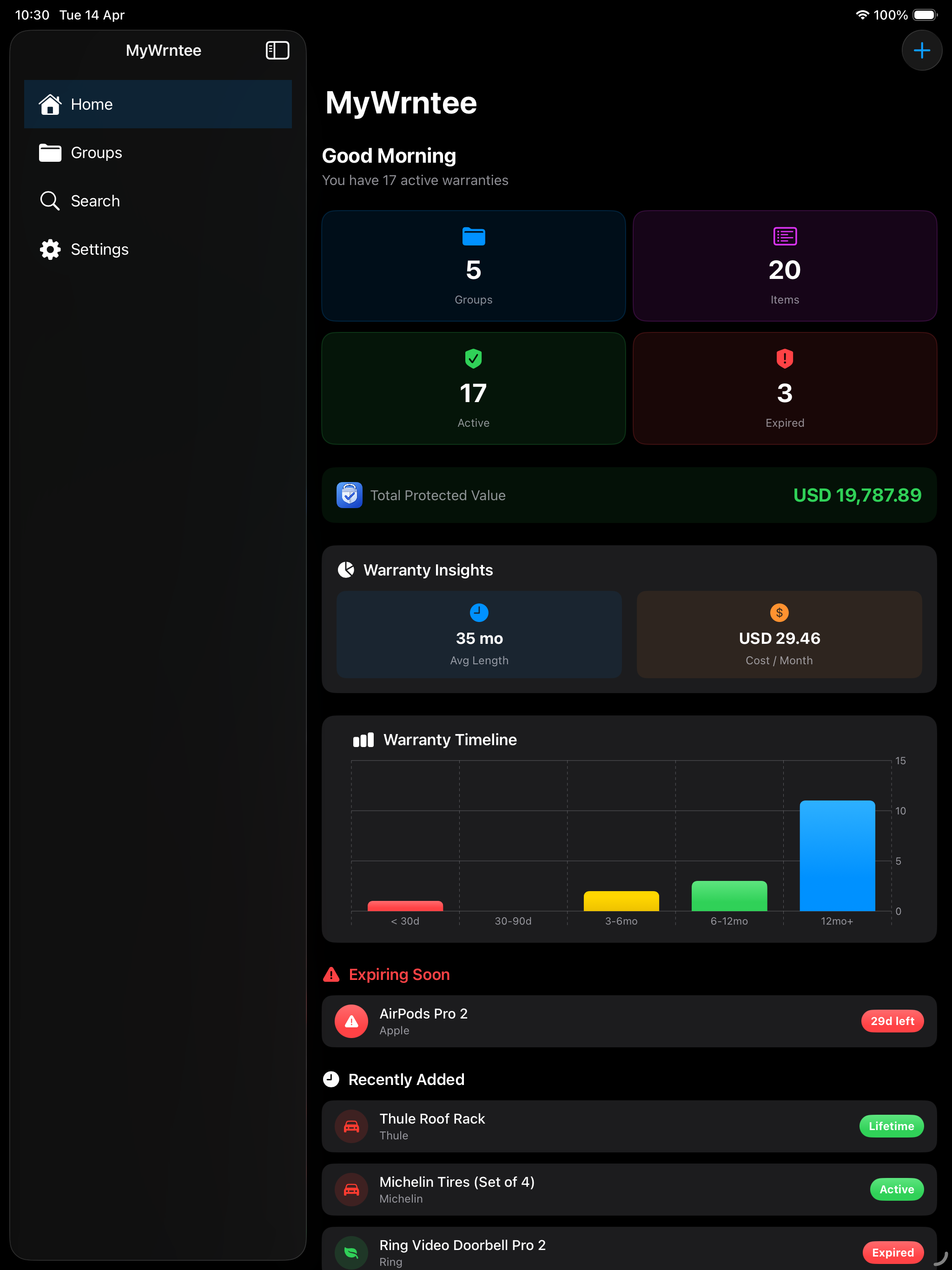
The dashboard shows your warranty timeline at a glance. See which warranties are expiring soon and your total protected value.
🖼️
Attach Photos
Save receipt photos and up to 9 product images alongside each warranty. Everything you need for a claim is right there.
☁️
Sync Across Devices
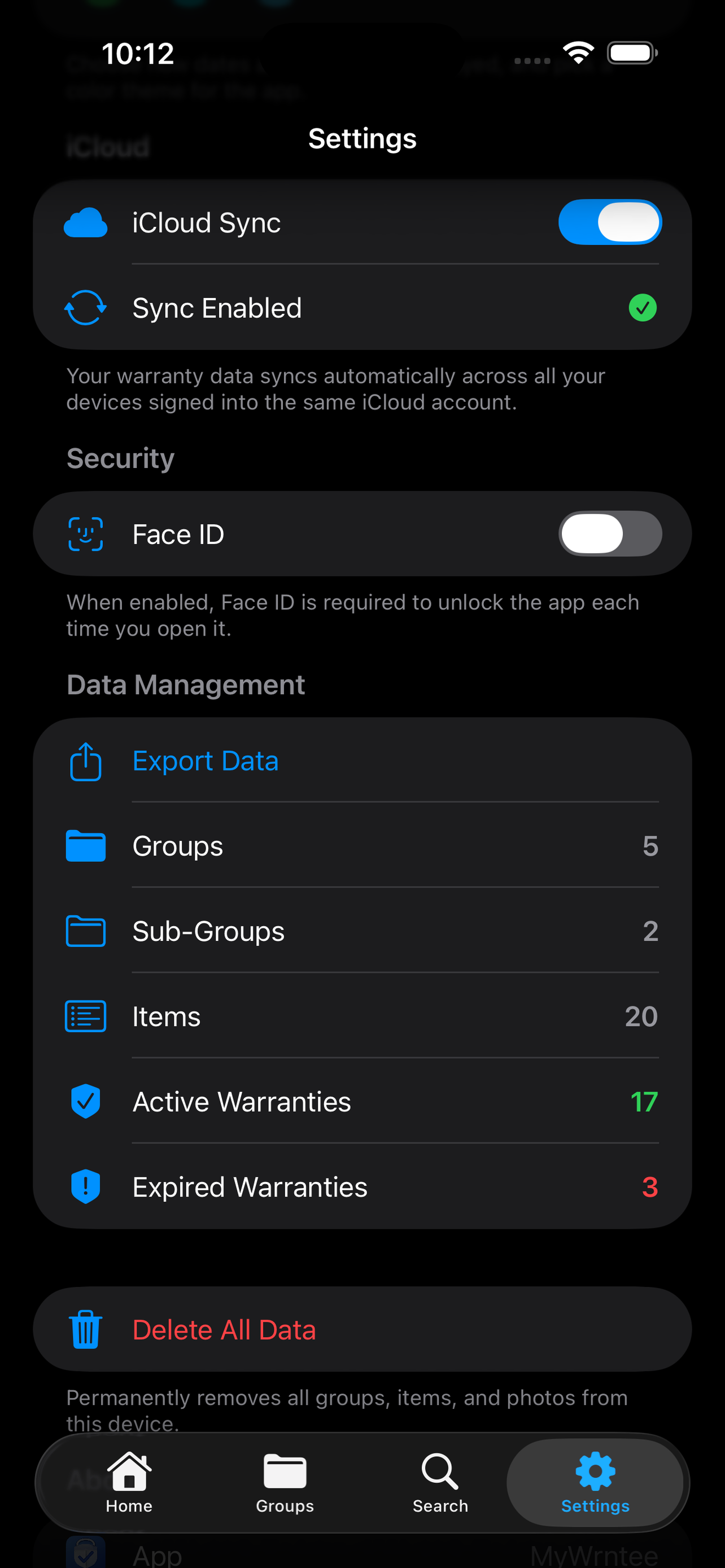
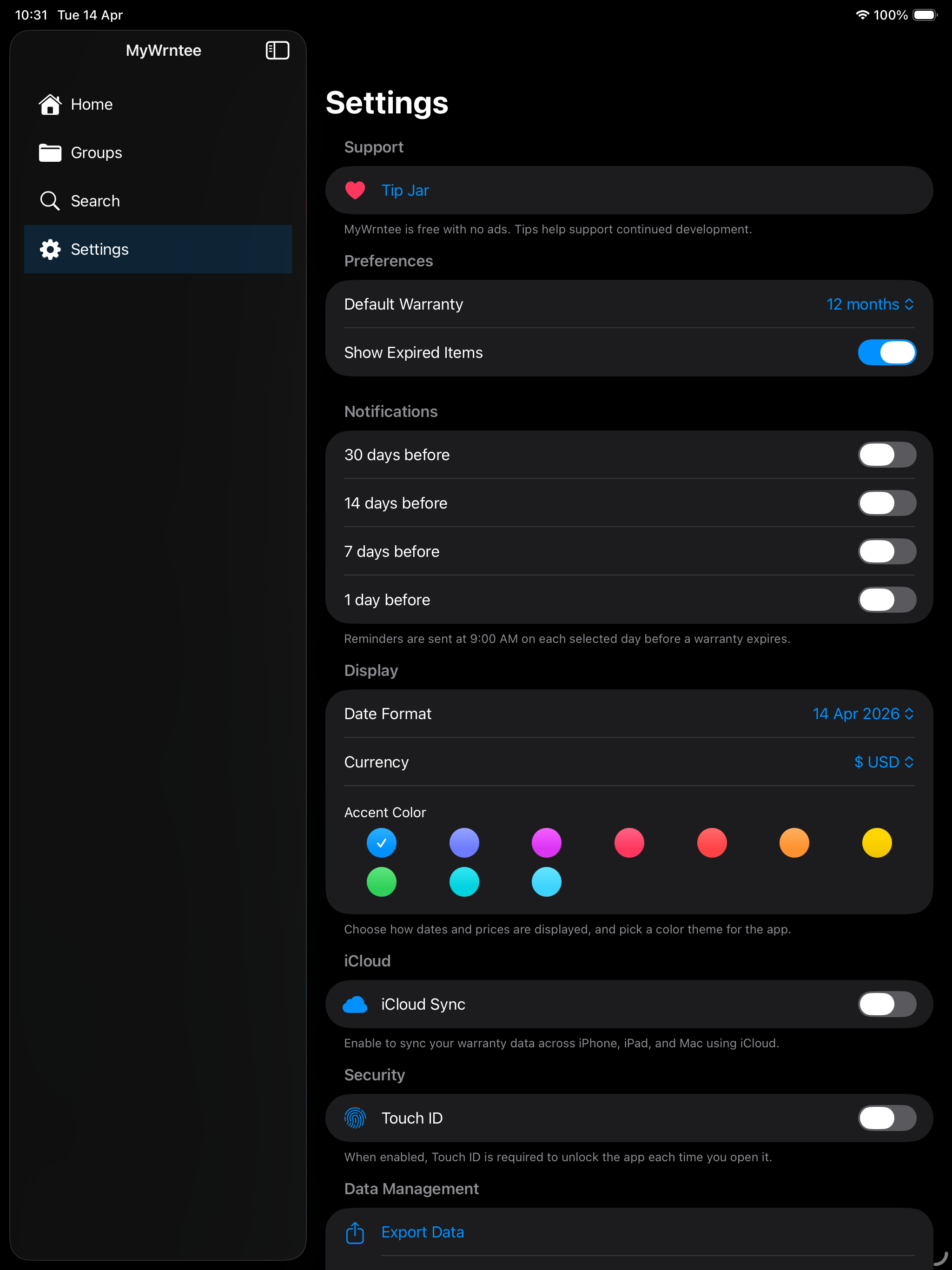
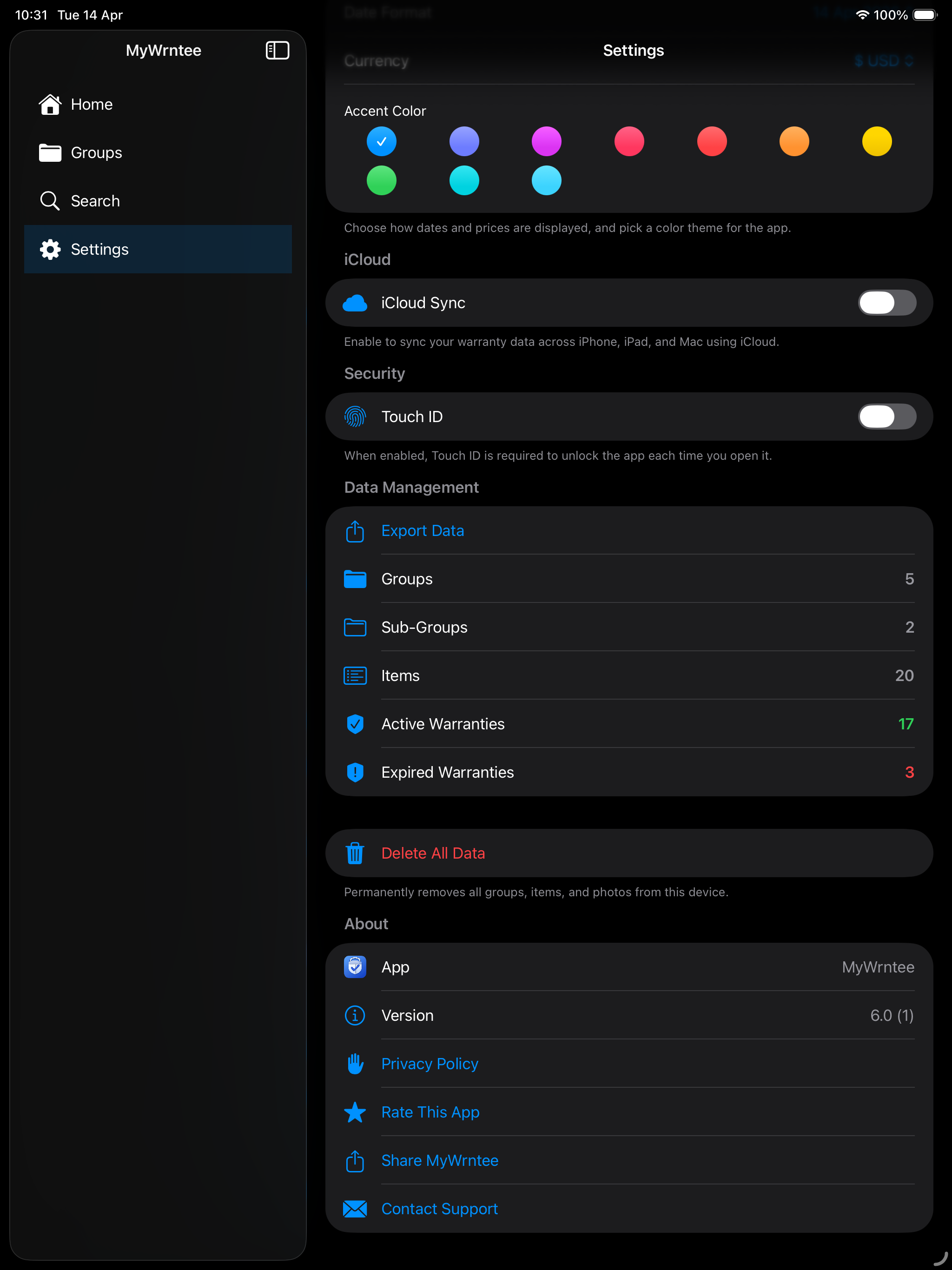
Enable iCloud sync to keep your warranties up to date on iPhone, iPad, Mac, and Apple Watch. Your data stays in your personal iCloud.
📤
Export & Share
Export your warranty records as CSV or PDF with embedded images. Share a beautifully formatted warranty card via email or any app.
🔔
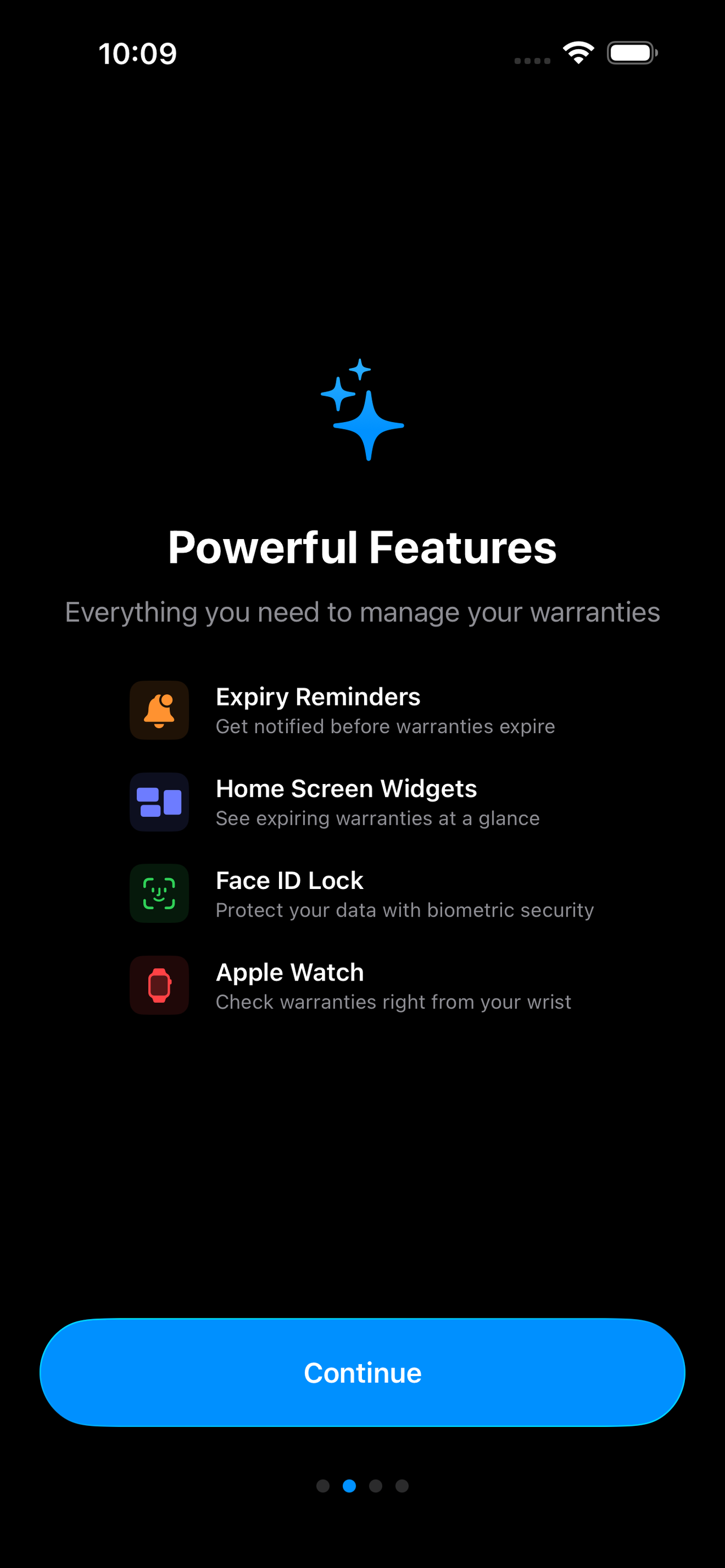
Expiry Reminders
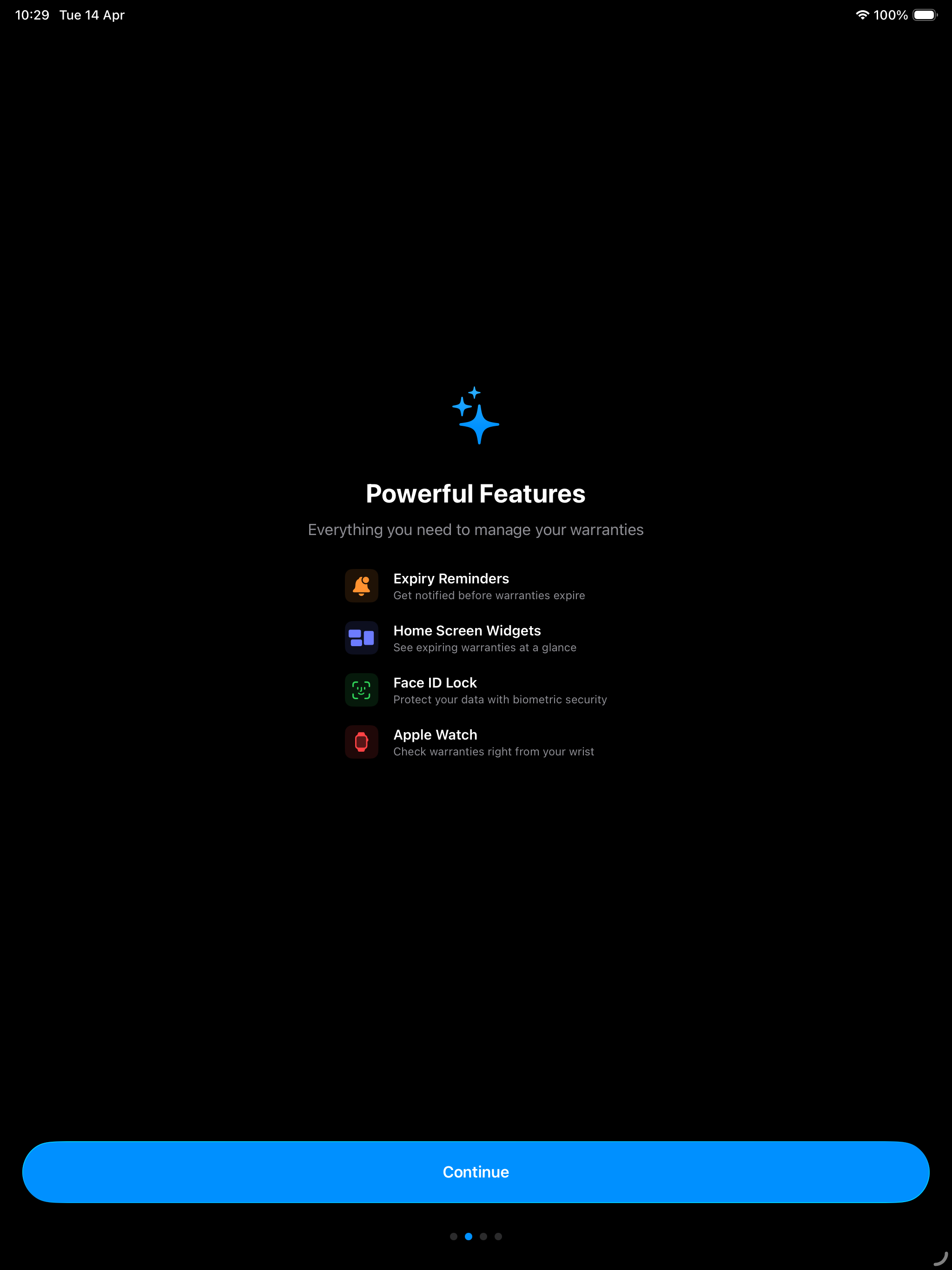
Get push notifications before your warranties expire. Choose from 30, 14, 7, or 1 day reminders so you never miss a claim window.
📱
Home Screen Widgets
See your expiring warranties at a glance with small, medium, and large home screen widgets. Always stay informed without opening the app.
🗣️
Siri & Spotlight
Search your warranties from Spotlight or ask Siri to show expiring items. Quick access without even opening the app.
📍
Smart Location
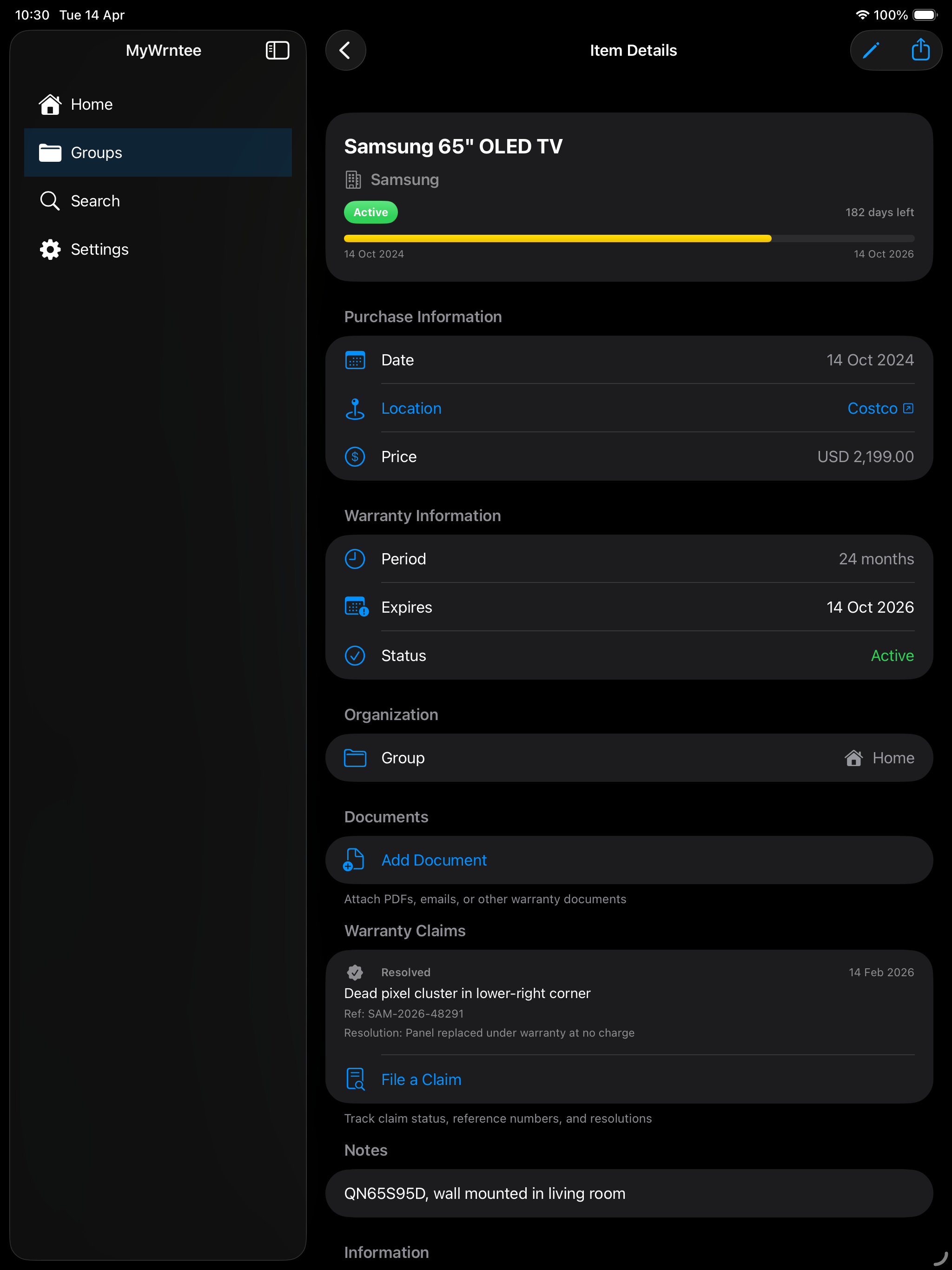
Address autocomplete when entering purchase locations. Tap any saved location to open it directly in Apple Maps.
⌚
Apple Watch App
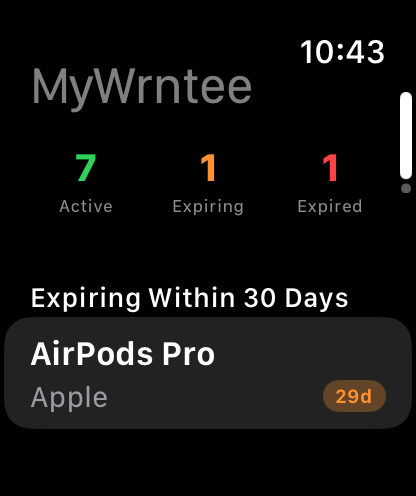
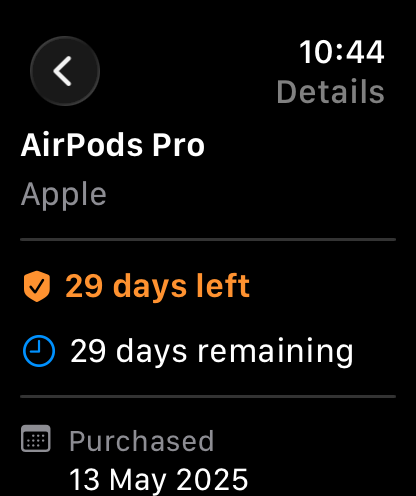
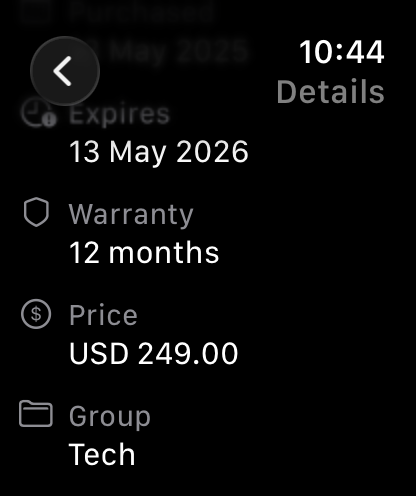
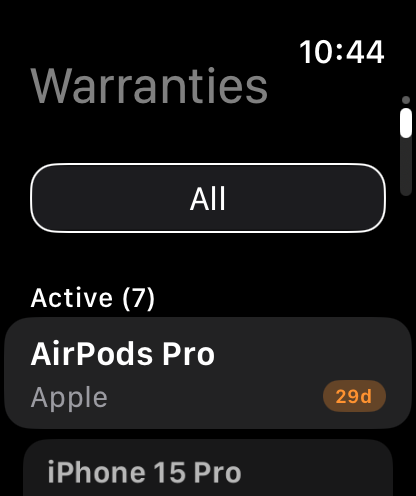
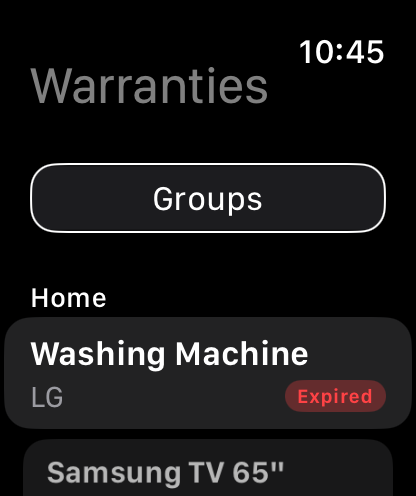
Check your warranties right from your wrist. View expiring items, browse by group, and see full warranty details. Requires iCloud Sync to be enabled.
📋
Tap to Assign
After scanning a receipt, review the extracted text and tap each line to assign it to the right field. You control what goes where.
♾️
Lifetime Warranties
Quickly set warranty periods with preset buttons including 1, 2, 3, and 5 year options — plus Lifetime for products that are covered forever.
🔄
Sort & Filter
Sort your items by name, purchase date, expiry date, or price. Filter by active or expired warranties to find what you need fast.
⚡
Quick Actions
Long-press the app icon to instantly add a new item or jump to expiring warranties. Get to what you need without even opening the app.
📊
Warranty Insights
See your average warranty length and cost per month of protection right on the dashboard. Understand the value of your warranty coverage at a glance.
🔒
Face ID & Touch ID Lock
Protect your warranty data with Face ID, Touch ID, or Optic ID. The app locks automatically when you leave and requires authentication to reopen.
🎨
Custom Accent Colors
Personalize your experience with 10 accent color options. Choose from Blue, Indigo, Purple, Pink, Red, Orange, Yellow, Green, Teal, or Cyan in Settings.
📥
Batch Import
Add multiple warranty items at once after a big shopping trip. Fill in names, companies, and warranty periods in a streamlined list, then save them all with one tap.
👋
Guided Onboarding
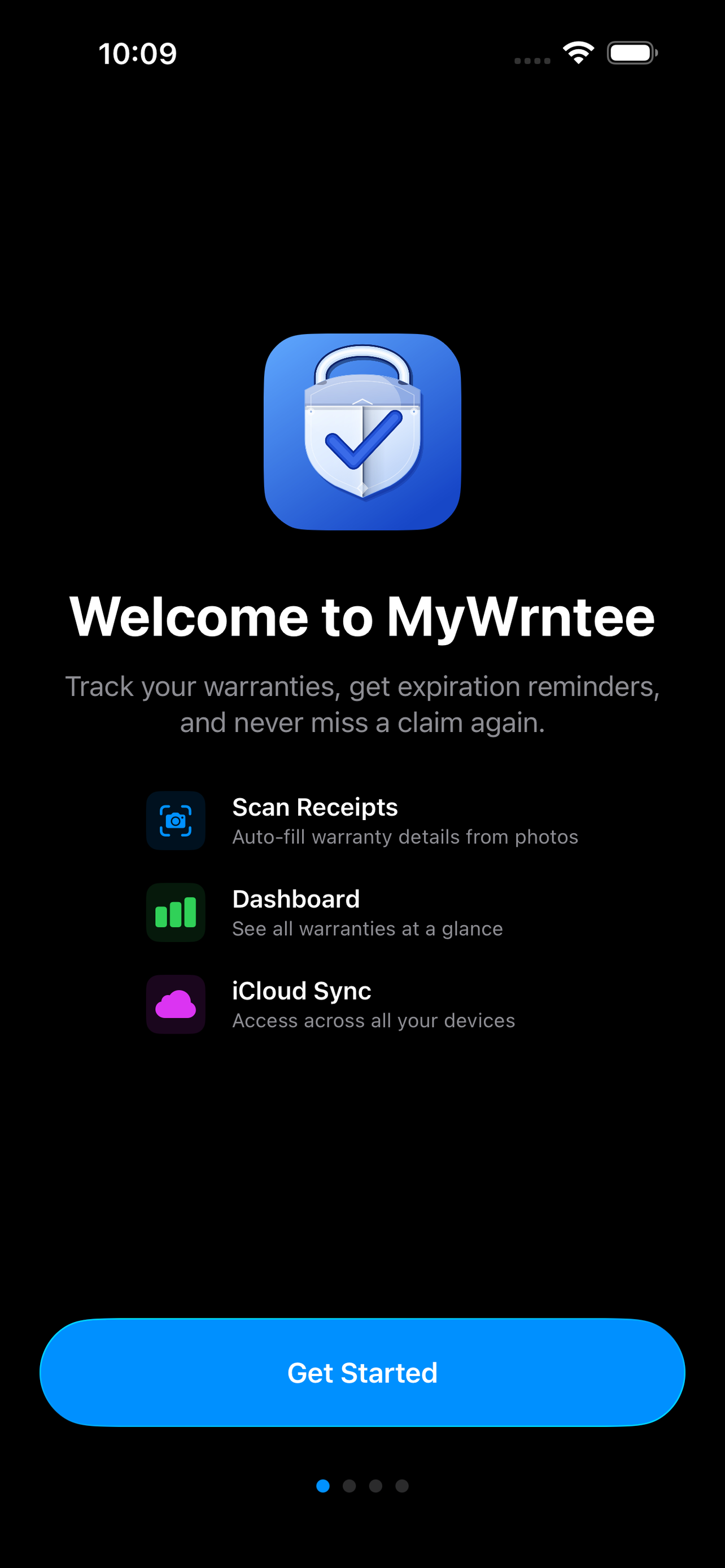
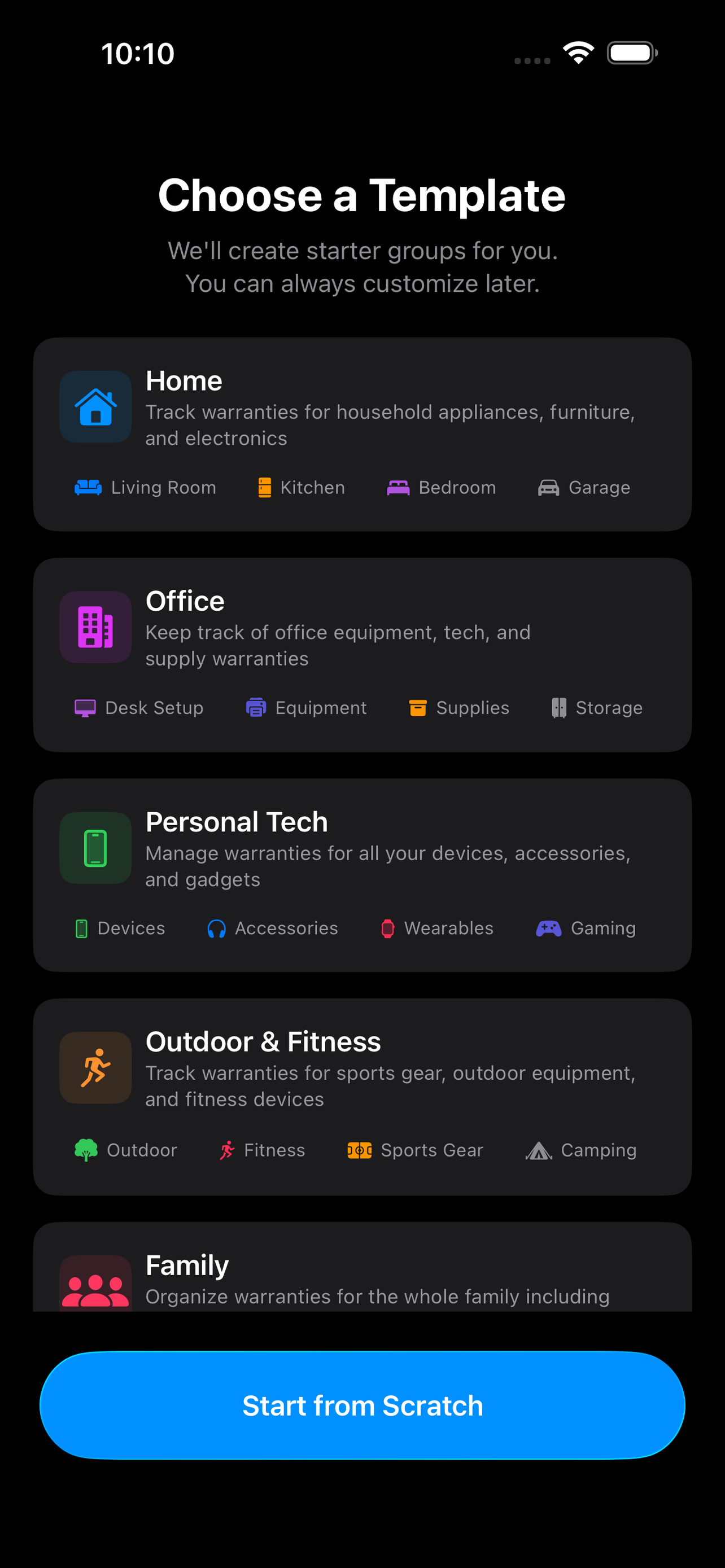
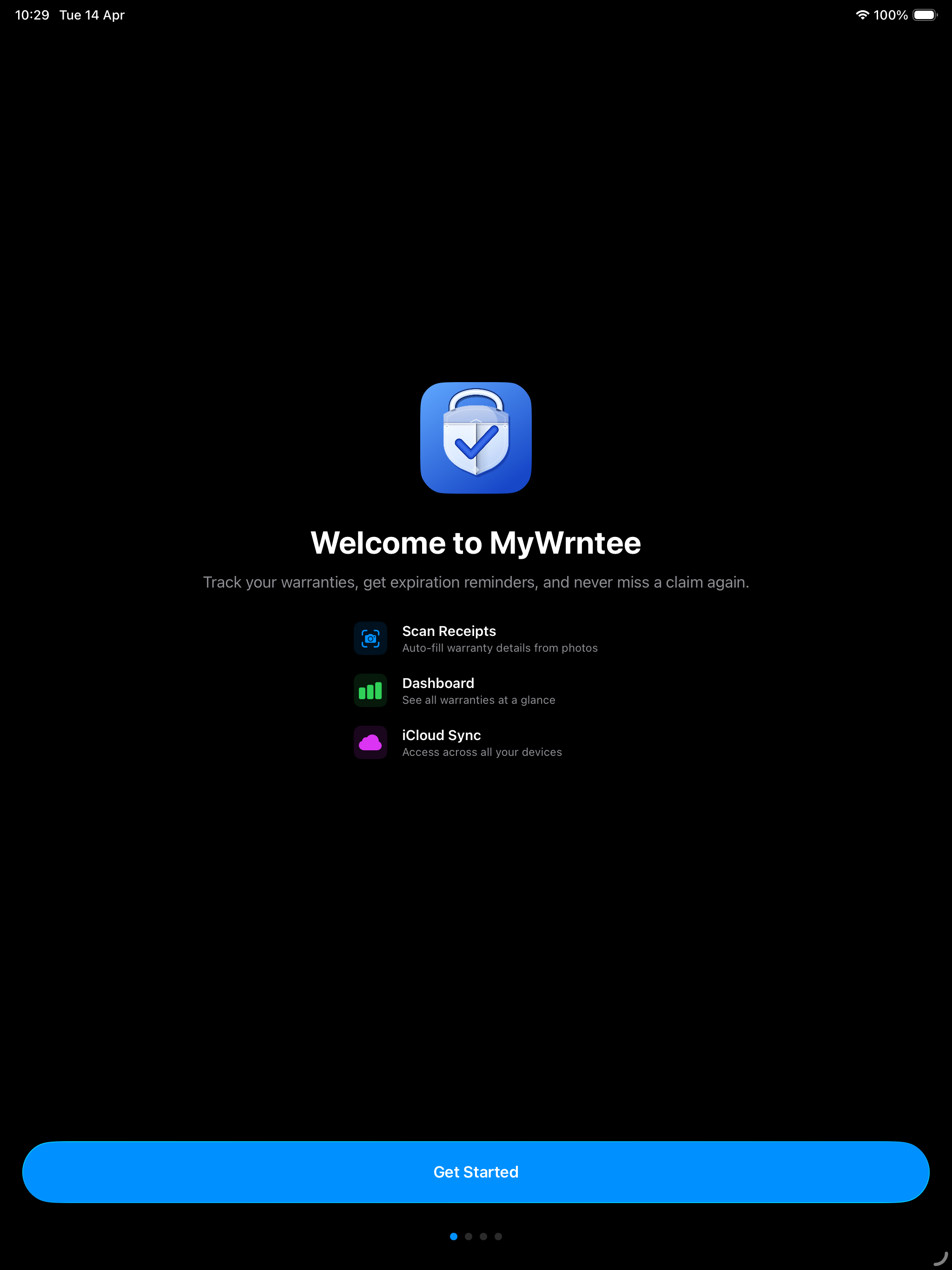
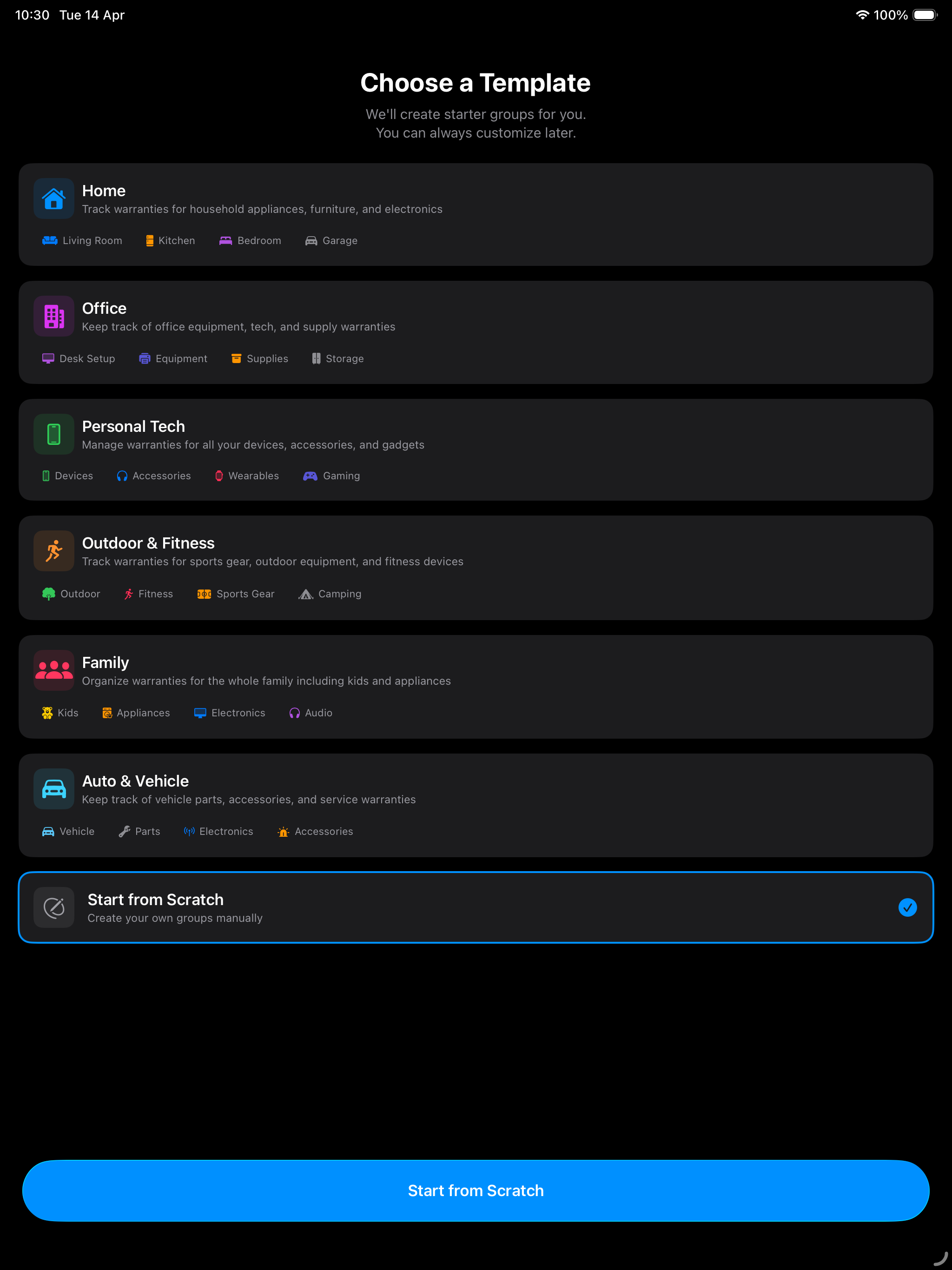
New users get a beautiful 4-page walkthrough covering all key features and tips, plus 6 starter group templates including Home, Office, Personal Tech, Outdoor & Fitness, Family, and Auto & Vehicle.
📎
Document Attachments
Attach PDFs, emails, and other warranty documents alongside your photos. Preview any document with QuickLook right inside the app.
📝
Warranty Claim Tracking
Track warranty claims from start to finish. Log claim dates, reference numbers, status updates, and resolutions all in one place.
📦
Share & Import Groups
Export entire groups as .mywrntee files including all items, photos, receipts, documents, and claims. Share with family or friends and import everything in a single tap.
📲
iPad Drag & Drop
On iPad, simply drag warranty items between groups to reorganize. Drop items onto any group or sub-group in the sidebar — the target highlights to confirm placement.
📷
Barcode & Serial Scanning
Scan barcodes, QR codes, or serial numbers with your camera using VisionKit. Tap to confirm the scanned code and it fills in the serial number field automatically.
🌙
Dark Mode Widgets
Home screen widgets adapt beautifully to Dark Mode with optimized contrast and subtle backgrounds, keeping your warranty info readable day and night.
🧾
Auto-Attach Receipts
Whether you scan with the camera or pick a photo, the receipt image is automatically attached to the warranty item — no extra steps. Your proof of purchase is saved alongside the extracted details.
🔍
Pinch-to-Zoom Photos
View receipt and product photos full-screen with pinch-to-zoom up to 5x, pan to explore details, and double-tap to toggle between fitted and zoomed views.
🗑️
Safe Group Management
When deleting a group, choose to remove just the group (keeping all items) or delete the group and all its items. No more accidental data loss.
📸
Smart Receipt Capture
Camera scanner automatically captures a high-resolution receipt photo. Select multiple lines for item names and addresses. Location autocomplete kicks in right away.